Connect your app
Connect your app with our API
Use our in-house developed API to show photos from the rides in your app
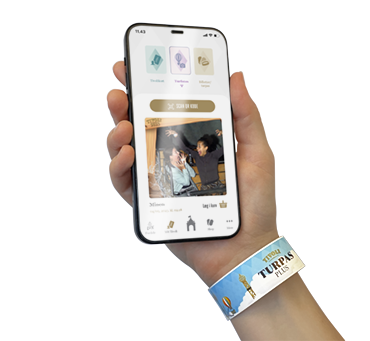
Offer your guests their ride photos directly in your own park app. Our integration lets visitors view and download their photos without leaving your branded experience – no separate photo app, no redirects, just a seamless addition to what you already have.
Development team
Image+ Digital has its own development team
Our development team provides your app builder with clear documentation and hands-on support to get the connection up and running. Most integrations take days, not months. We handle photo delivery and image storage on our side, so your team can focus on making it fit naturally into your app. You stay in full control of the look and feel. Your branding, your layout, your guest journey.
We supply the photos and the technology behind the scenes, backed by a proven setup already running at parks across Europe.